
turn any data into beautiful charts instantly
Paste anything: rough notes, spreadsheet rows, or a CSV. Our AI structures it automatically and renders your chart in seconds. Then export it as PNG.
- AI detects your columns, units, and date formats
- Works with any format: CSV, spreadsheets, or raw notes
- Export as high-resolution PNG
datatochart.app

Chart tool works best on a larger screen
Open this page on a tablet or desktop for the full chart-building experience. Scroll down to see example charts.
Input data
Format
Color theme
Your chart appears here
Paste any data on the left. If it's messy, AI cleans it up for you.
Why it's different
built for speed, not complexity
Works with any data format
Paste CSV, spreadsheet rows, or rough text like `Mon 12/05 1,45m`. Our AI normalizes units, dates, and numbers automatically.
Smart chart generation
Columns are detected automatically. Chart type is suggested based on your data structure.
Beautiful by default
Clean visuals, strong defaults, export-ready charts. No tweaking colors or fonts required.
paste data.
get a chart. done.
DataToChart removes every step between your raw or structured data and a clean chart. Paste anything, pick a chart type, and your visualization renders immediately. No account, no configuration, no waiting.
10s
from data to chart
3
steps, start to finish
0
setup required
Who is it for?
Consultants & analysts
Client-ready charts from raw data exports, without Excel chart wizards.
Students & researchers
Clean visuals for papers, presentations, and lab reports.
Marketing & business teams
KPIs and growth charts for decks and reports in seconds.
How it works
3 steps from data to chart
Paste anything
Drop a CSV, paste spreadsheet rows, or rough notes with mixed formats. No reformatting needed.
AI normalizes your data
Our AI detects columns, cleans units and dates, and flags ambiguities so you stay in control.
Visualize & export
Pick a chart type, adjust columns, and download a high-resolution PNG.
Gallery
example charts
Real examples from messy, CSV, and spreadsheet data.
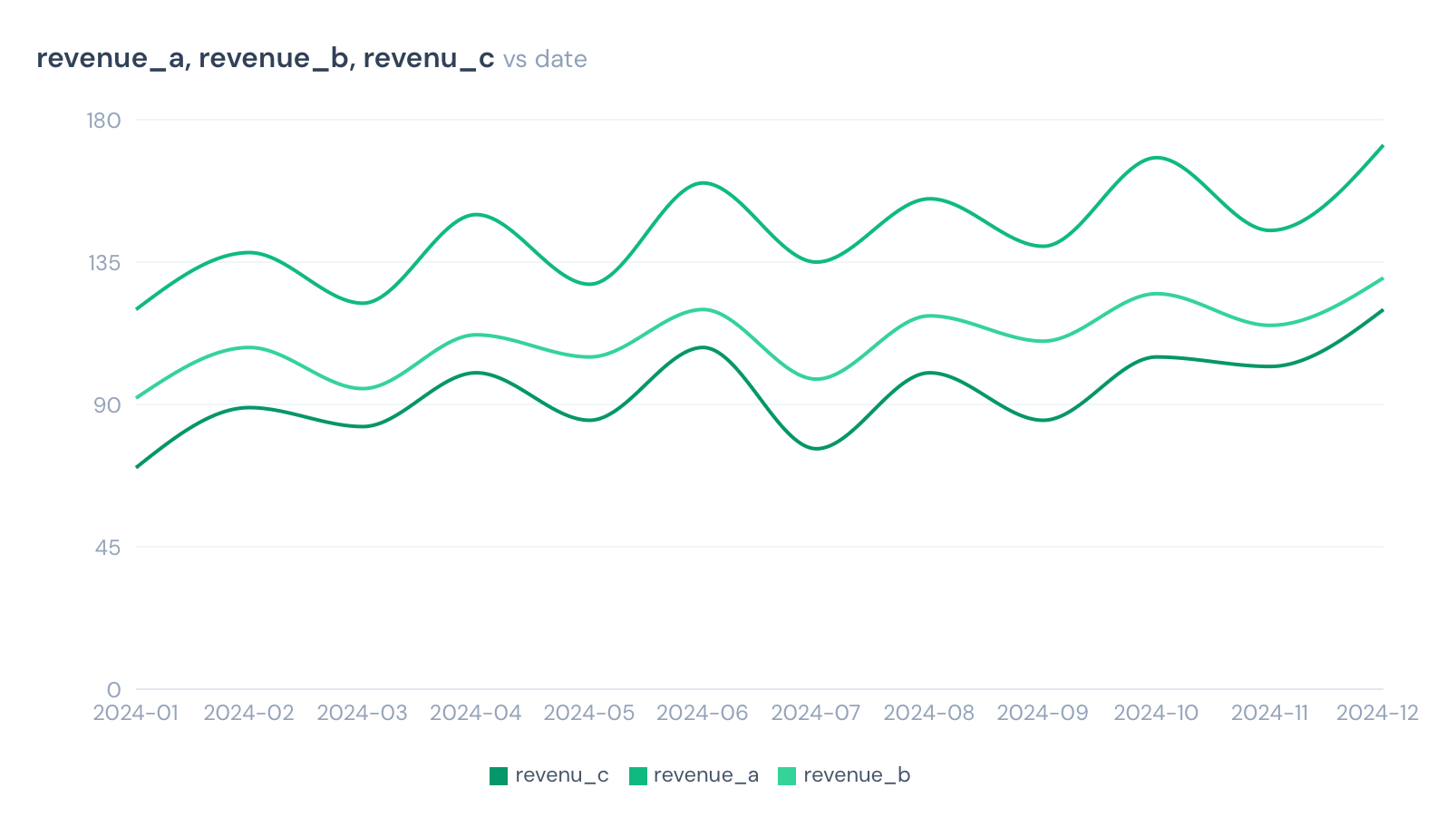
Line chart (3 columns)
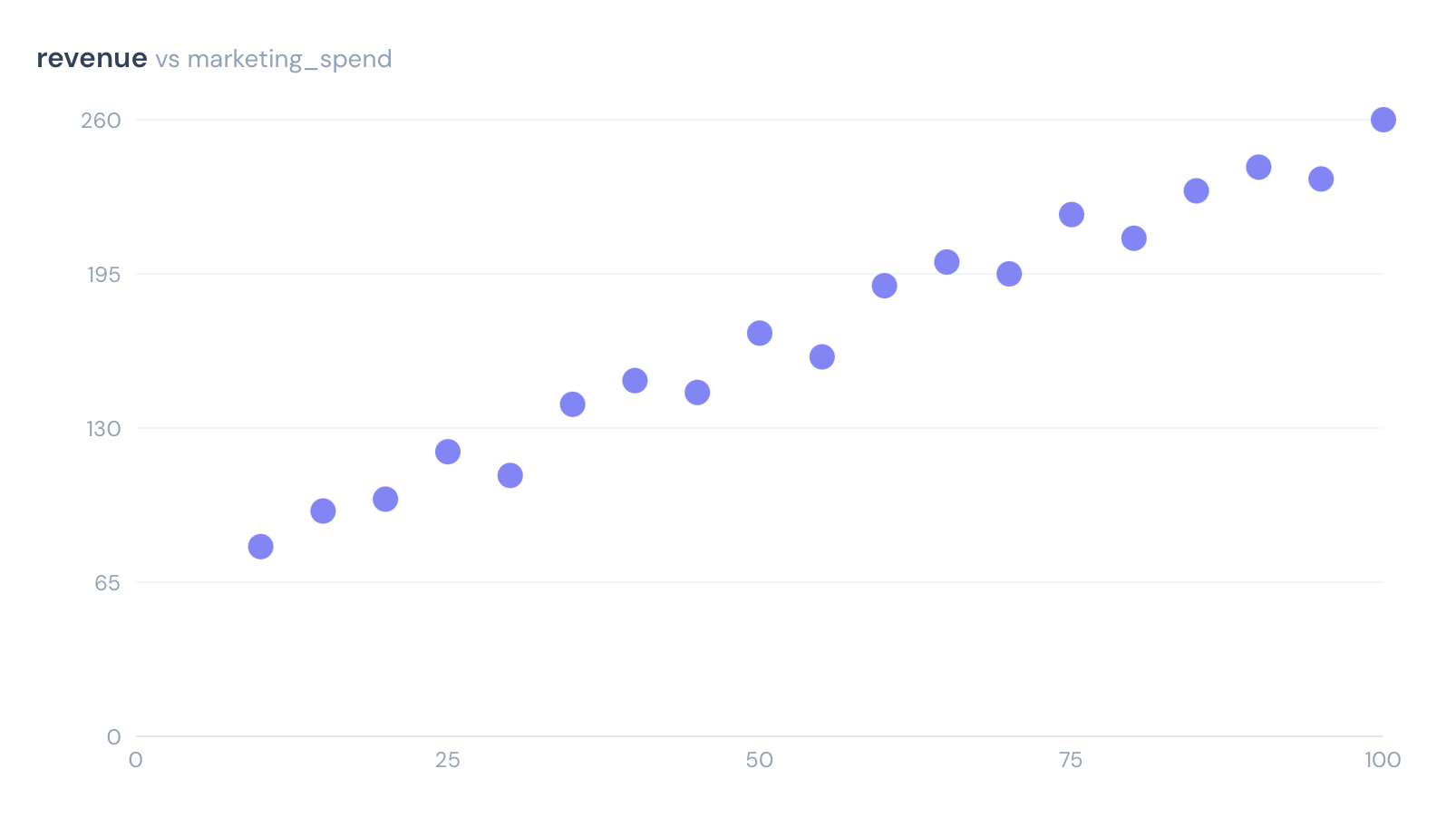
Scatter chart
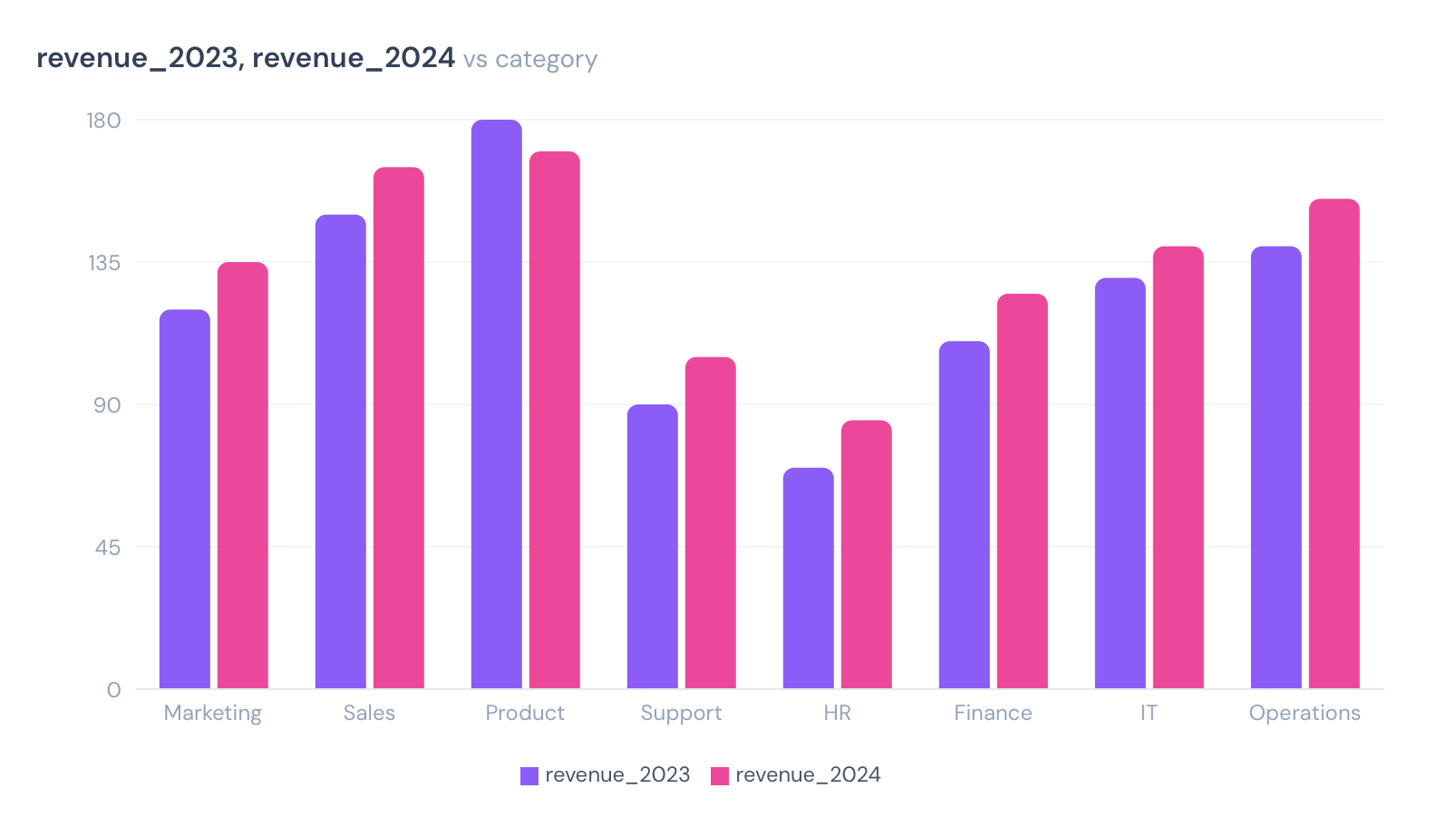
Bar chart categories (8 categories)
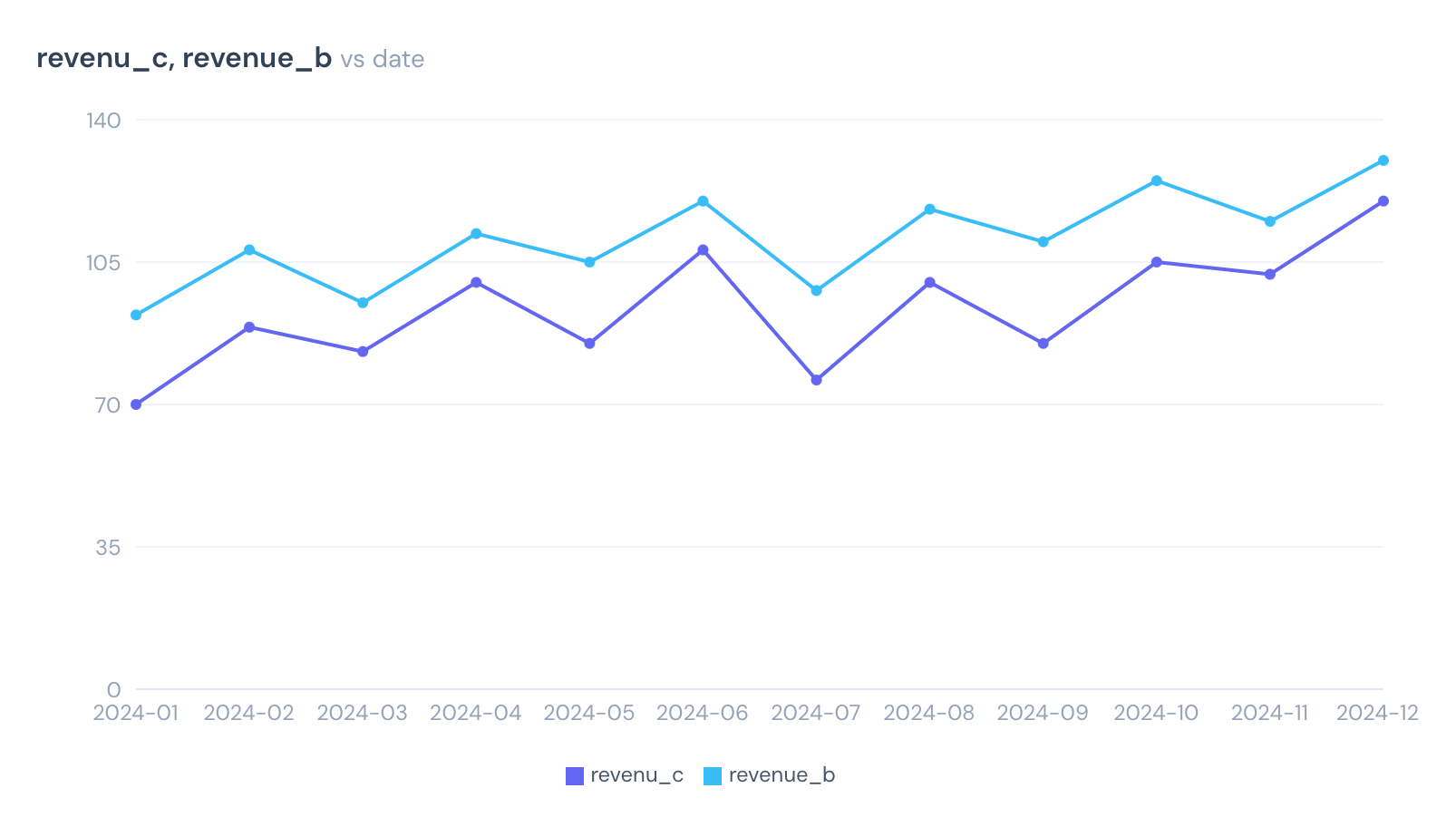
Straight line chart (2 columns)
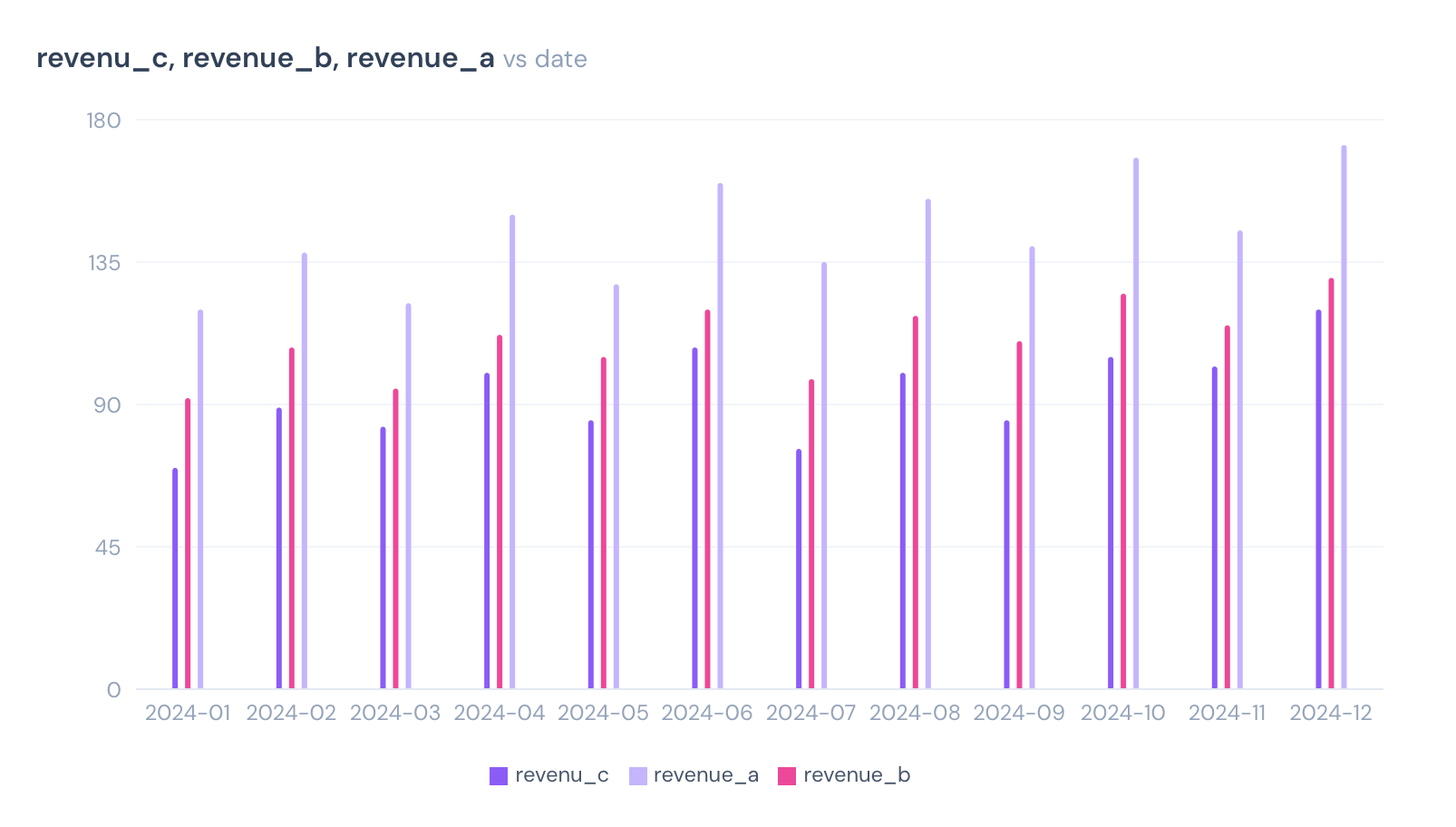
Bar chart (3 columns)
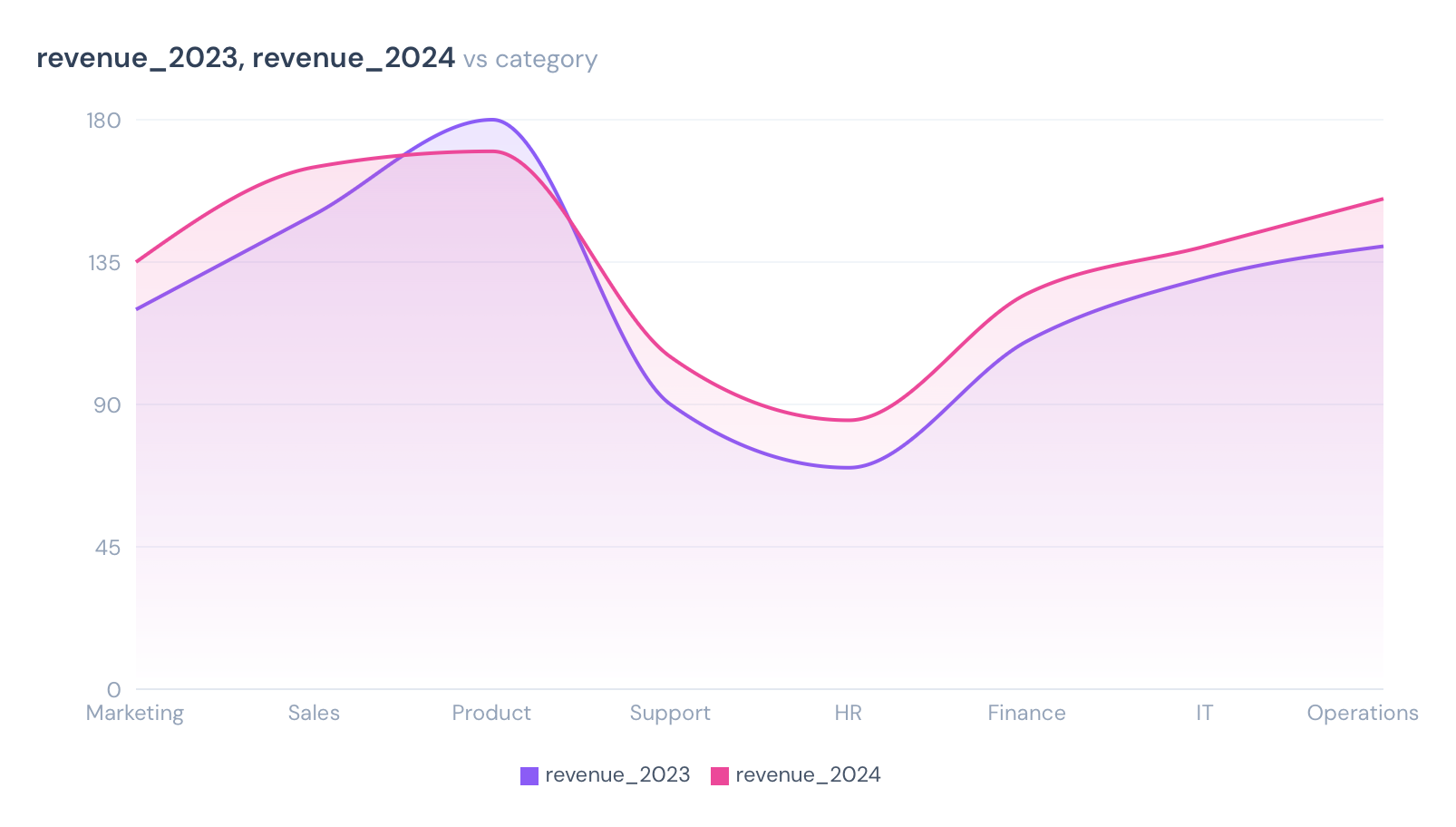
Gradient line chart (2 columns)
FAQ
common questions
What data formats are supported?+
CSV files, pasted spreadsheet rows, and unstructured text patterns (e.g. 'Monday 12/05 1.45m'). Use the Normalize with AI button for raw data. Warnings surface any ambiguities we detect.
How does the 'Normalize with AI' button work?+
When your data isn't clean CSV, click Normalize. We send your text to a fast AI model that structures it into columns and rows, then render the chart. Nothing is stored.
What chart types are available?+
Line charts, bar charts, and scatter plots, covering the vast majority of data communication needs.
What can I export?+
You can export as a high-resolution PNG, ready to drop into slides, reports, or documents.
Do I need any technical skills?+
No. The tool is entirely point-and-click. If you can use a spreadsheet, you can use DataToChart.
Can I use charts in slides and reports?+
Absolutely. Charts export with clean defaults at high resolution, ready to paste into PowerPoint, Keynote, or Google Slides.